Families and parents
Go to People → Families → New family (e.g. The Rahman family). Then:
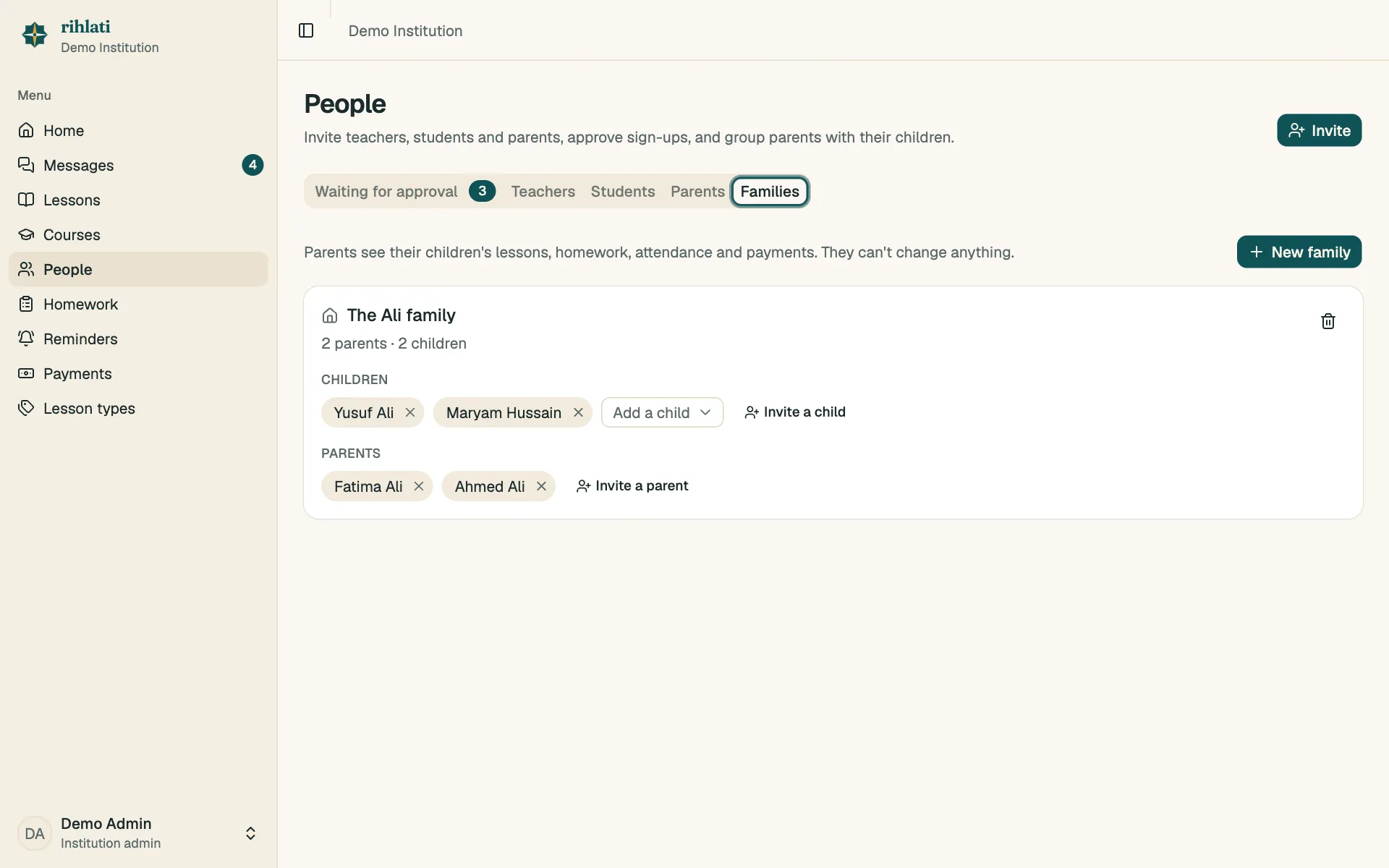
- Add a child — choose an existing student, or Invite a child.
- Add a parent — choose an existing parent, or Invite a parent.
Parents see each of their children’s lessons, homework, attendance, recordings and payments, and are part of each child’s message thread. They can’t change anything.
A family can have several children (siblings) and several parents.