Scheduling lessons
Go to Lessons → New lesson:
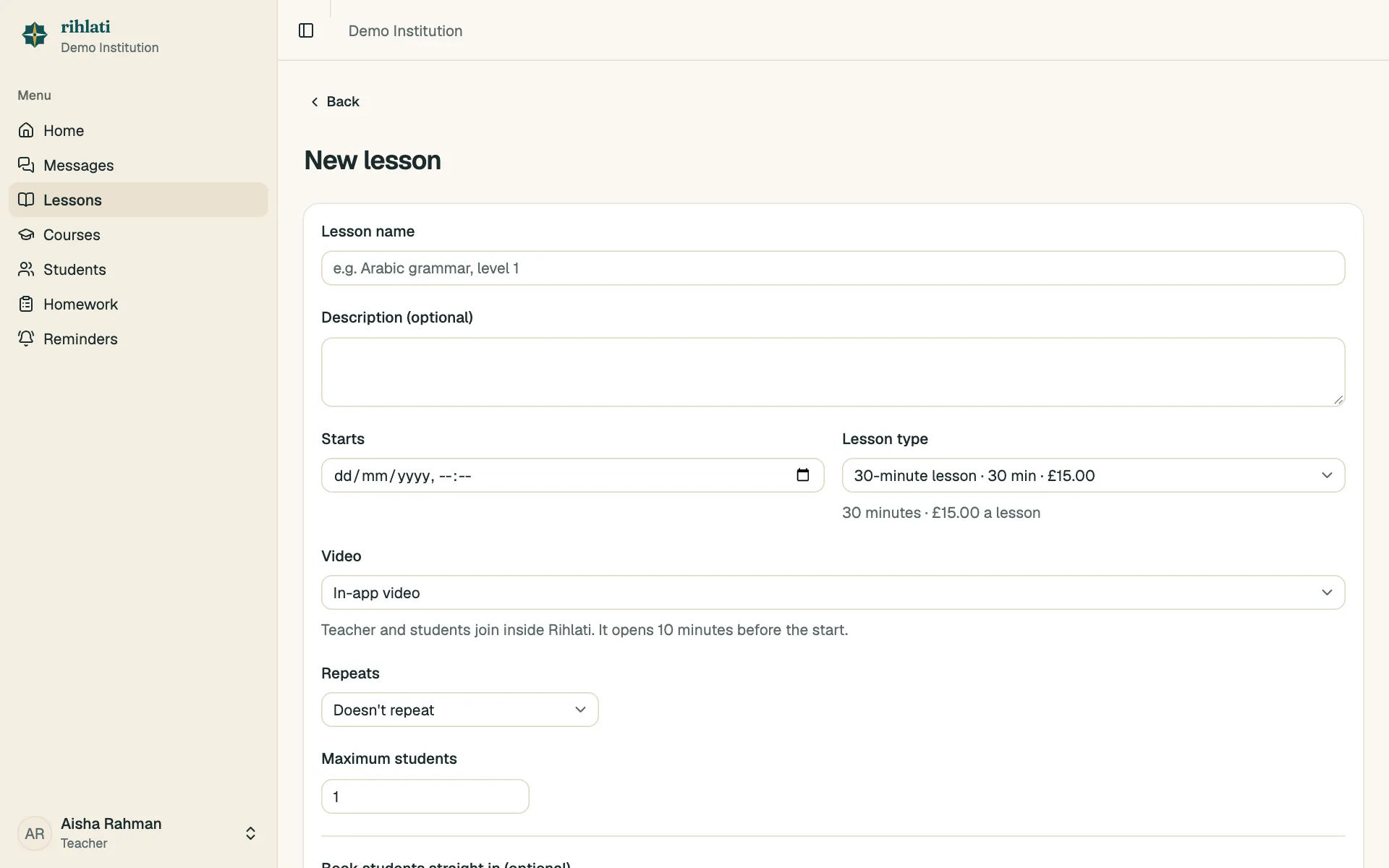
- Give it a name (and a description if you like).
- Choose when it starts.
- Choose the lesson type, e.g. Standard · 30 min · £15. That sets how long the lesson is and what it costs — the end time and price are shown underneath.
- Choose the video: In-app video (the default) or Zoom.
- Set the maximum students, and optionally book students straight in.
Lesson types are set up by your admin. If the one you need is missing, ask them to add it.
Requests
Section titled “Requests”Students can request a place. You’ll see requests on the lesson’s page and on your home page — Approve or Decline each one. Approved students are charged the lesson’s price.
Changing or cancelling
Section titled “Changing or cancelling”Open the lesson and choose Edit. If you change the time, everyone booked is emailed (and so are their parents). To cancel one student’s place, use Cancel next to their name.