Your account
Your institution invites you by email. Press Set up my account, choose a username and password, and you’ll see your children straight away.
Your home page
Section titled “Your home page”There’s a card for each child with their next lesson, upcoming lessons, homework to do, attendance and what’s owed (shown in red if a payment is overdue).
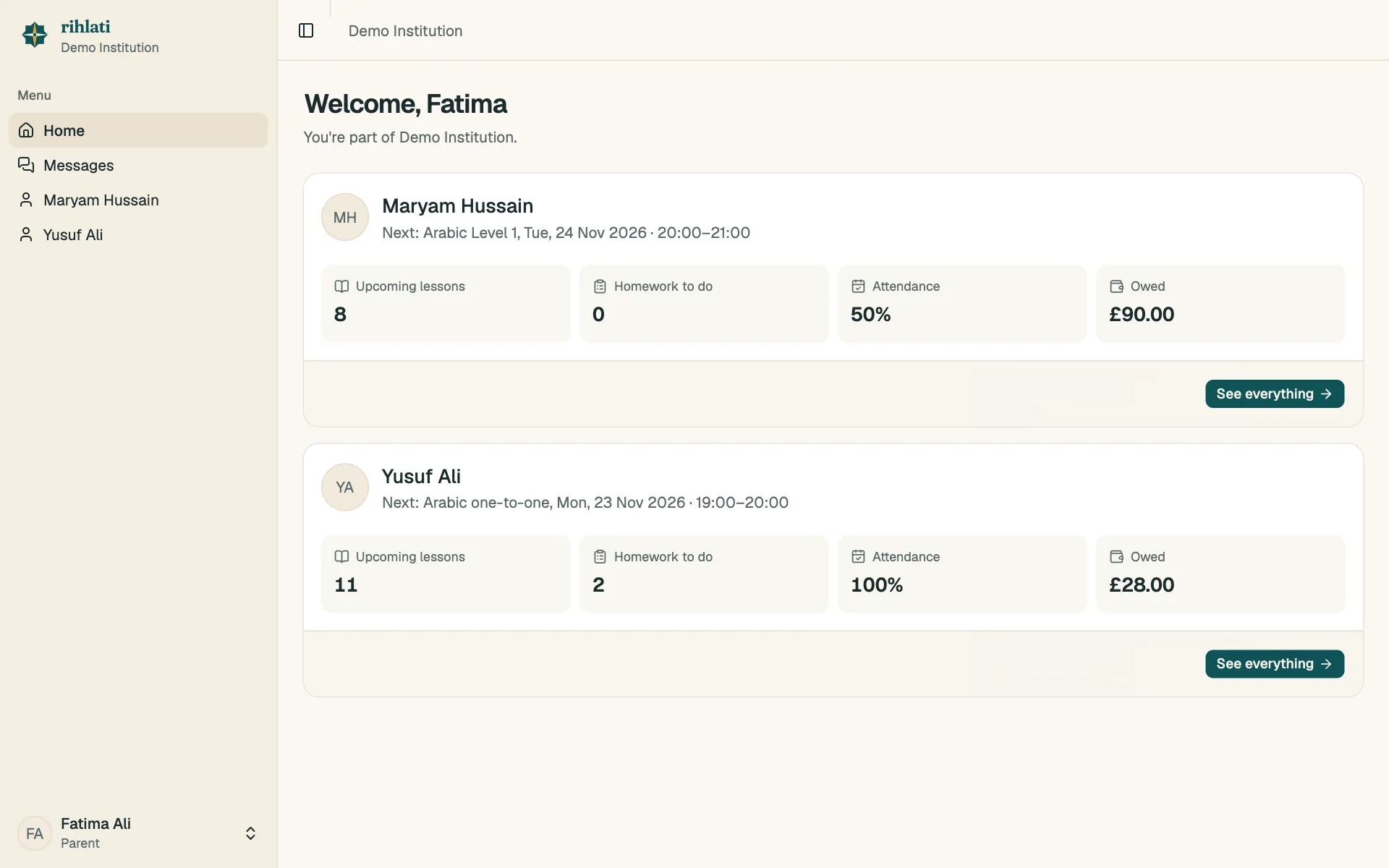
Press See everything for that child’s page, with tabs for Lessons, Homework, Attendance, Payments, Courses and Recordings.
You can see everything but can’t change anything — bookings, homework and payments are handled by your child and their teachers.
Missing a child?
Section titled “Missing a child?”Ask your institution to add them to your family.