Inviting people
Go to People → Invite. Choose whether they’re a student, parent or teacher, enter their name and email, and send. They get an email to set up their account — no approval needed.
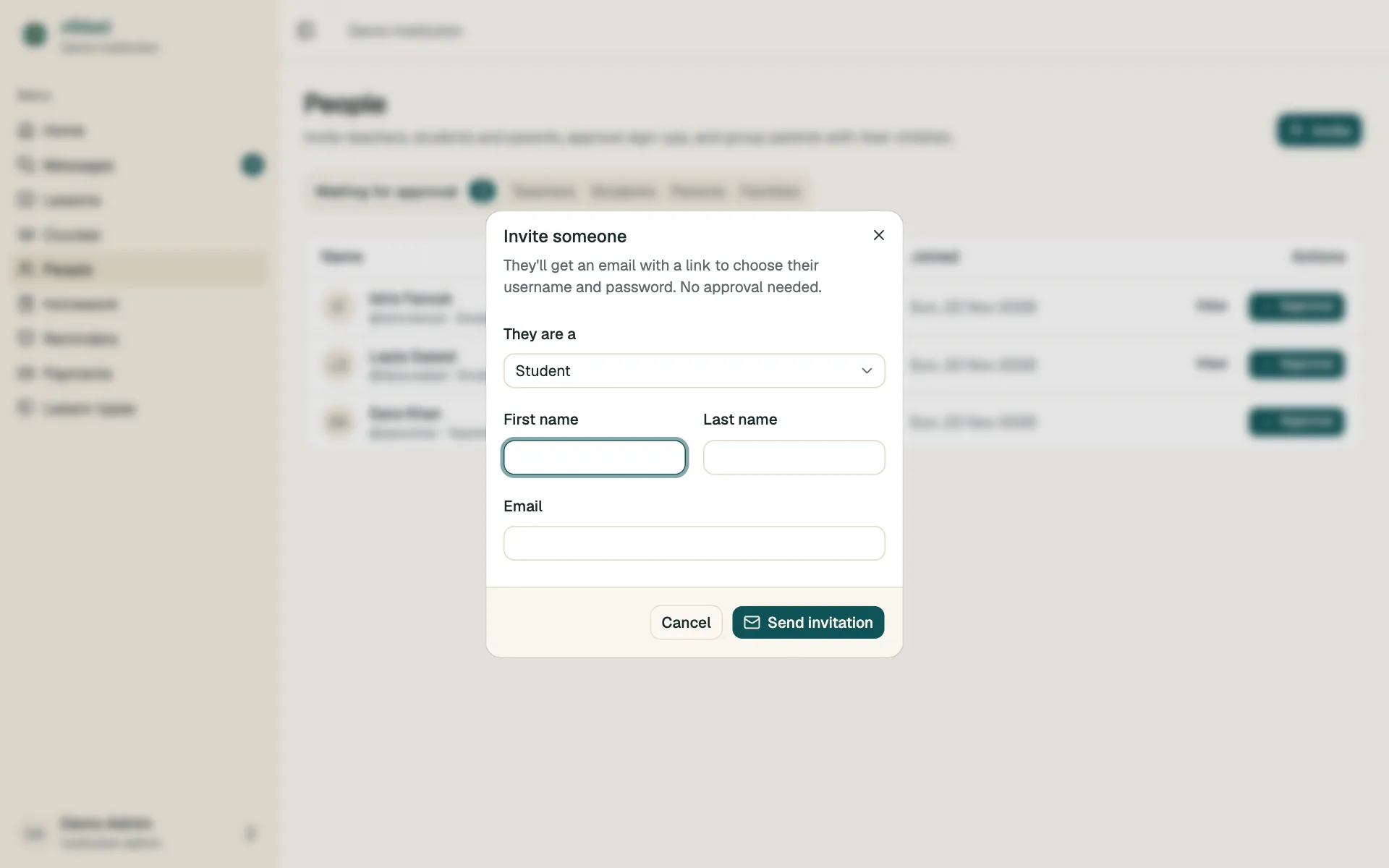
- Invited shows until they’ve set their password. Use Resend invite if the email went missing.
- People who sign up themselves appear under Waiting for approval.
Suspending and removing
Section titled “Suspending and removing”Use the ⋯ menu next to someone on People:
- Suspend — they can’t log in until you unsuspend them.
- Remove — they can’t log in and disappear from your lists. Their lessons, payments and messages are kept.