Messages
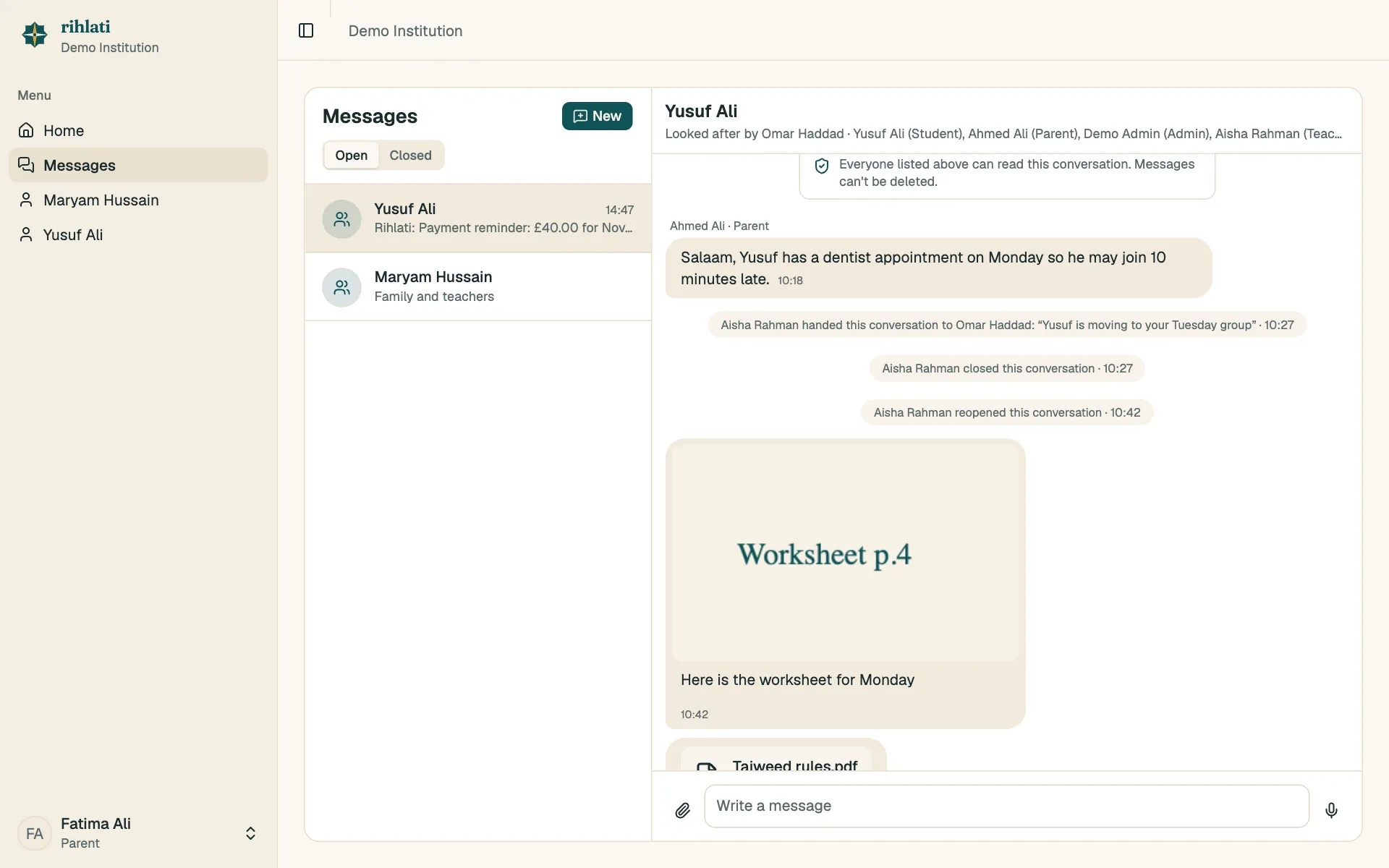
Open Messages in the menu. A number shows how many messages you haven’t read.
Student threads
Section titled “Student threads”Every student has one shared conversation with their parents, their teachers and the institution admin. Questions about a student go there, so everyone stays in the loop and no adult messages a child privately.
Direct messages
Section titled “Direct messages”Adults can message each other one to one: parents with teachers and the admin, teachers with each other. Students can’t be messaged directly.
Photos, documents and voice notes
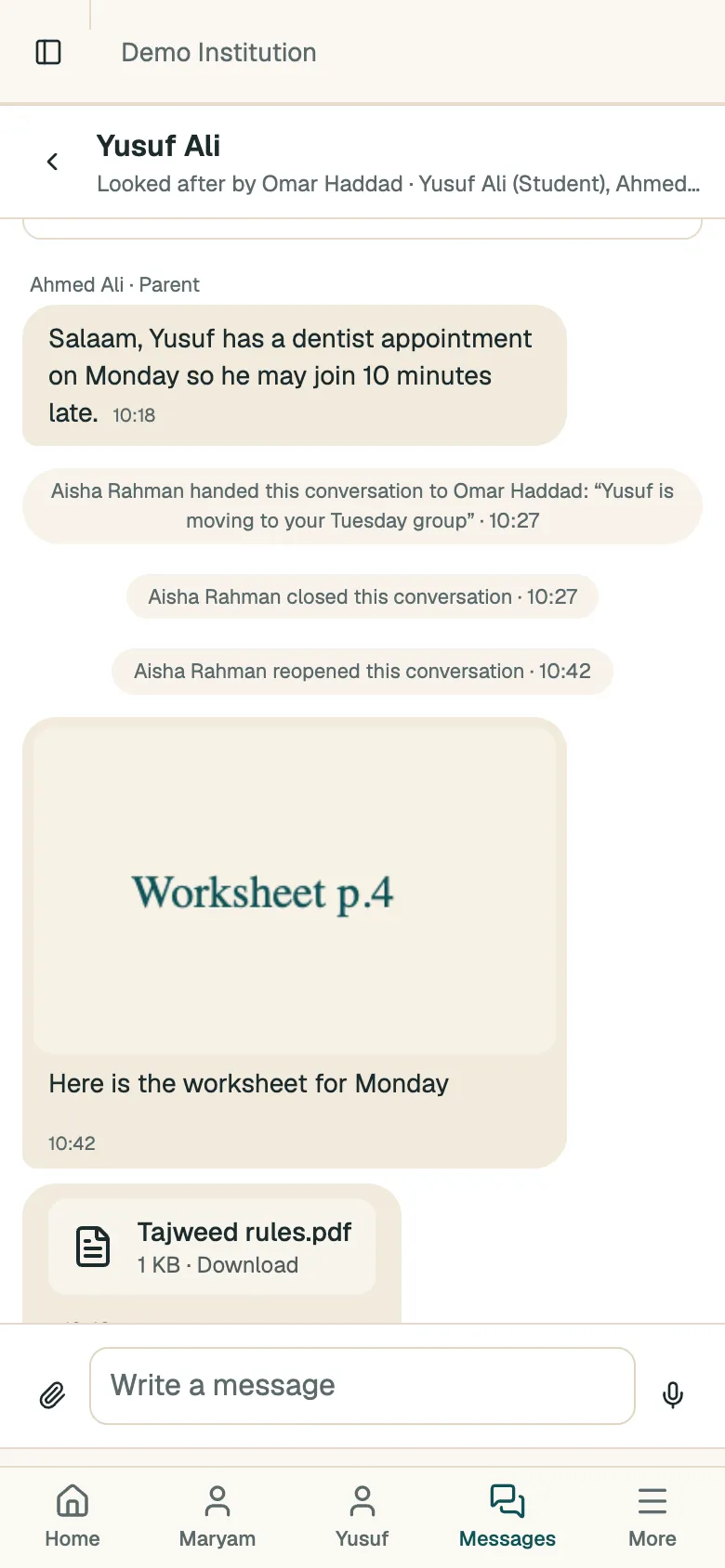
Section titled “Photos, documents and voice notes”- Tap the paperclip to send a photo or a document (PDF, Word, Excel, PowerPoint or text), up to 20 MB.
- When the message box is empty, tap the microphone to record a voice message. Tap the square to send it, or the bin to throw it away.
Emails
Section titled “Emails”If a message is unread for 10 minutes, we email you once to let you know.
Closed conversations
Section titled “Closed conversations”Teachers can close a conversation once it’s sorted. It moves to Closed — anyone can still reply, and that reopens it. Teachers can also hand off a conversation to another teacher.
Messages can’t be edited or deleted.