Booking lessons
Go to Book a lesson. You’ll see a calendar with:
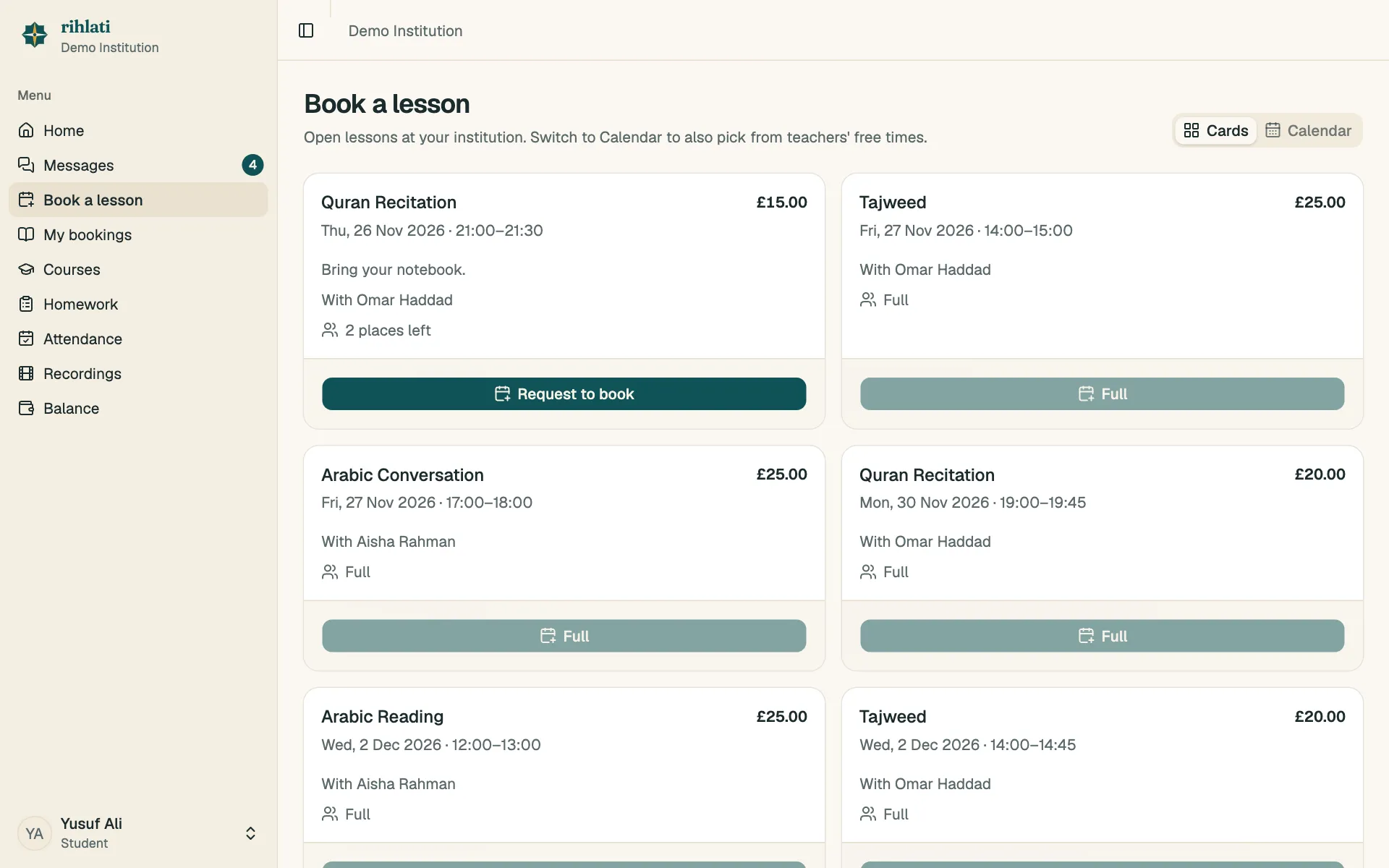
- Open lessons teachers have scheduled — choose one and send a request.
- Free times in teachers’ weekly availability — pick a time and request it.
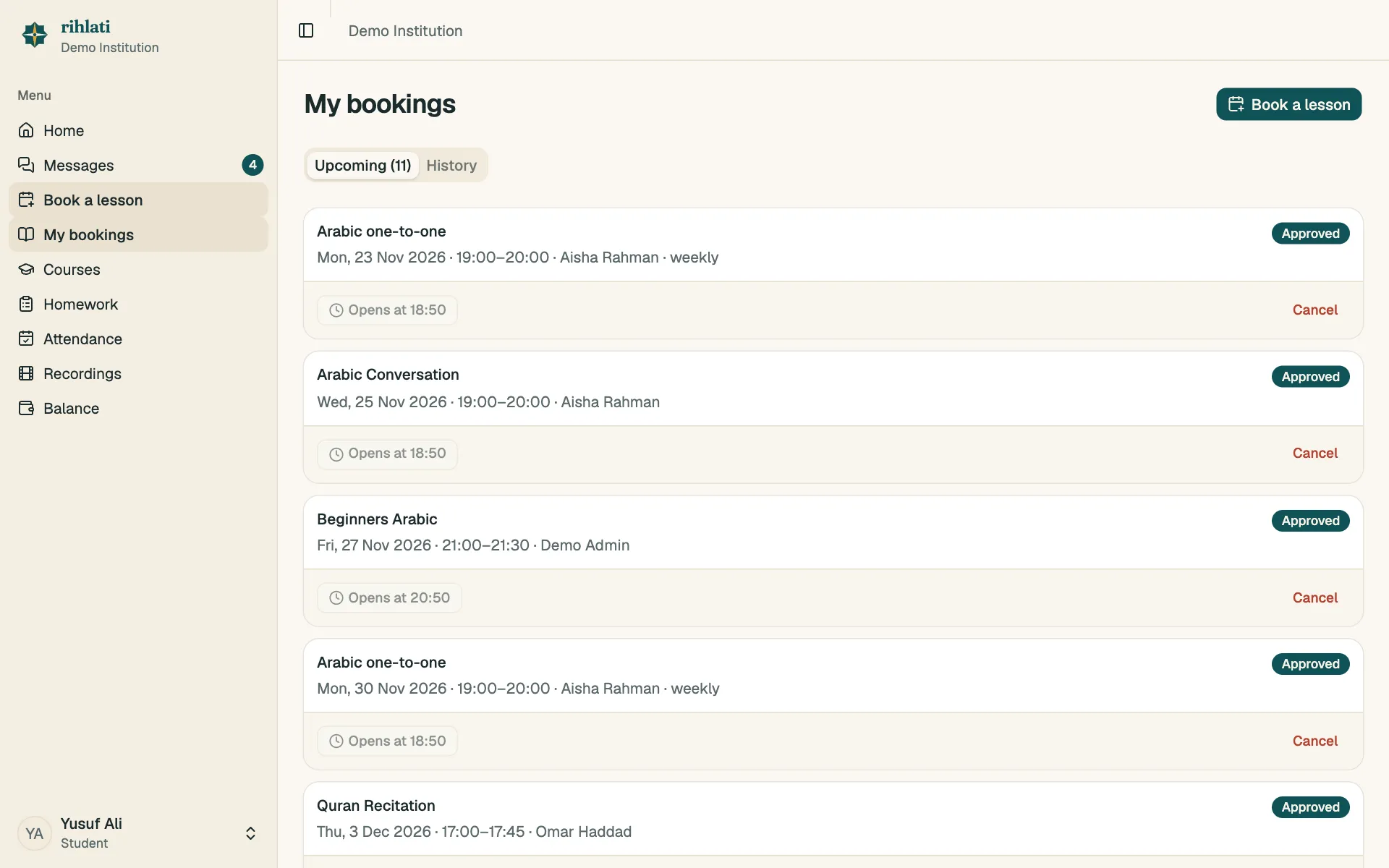
Your teacher approves each request. You’ll see it under My bookings as Waiting for your teacher, then Approved.
When a lesson is approved, its price is added to what you owe (lessons in a course are covered by the monthly course fee instead).
Cancelling
Section titled “Cancelling”Open My bookings and choose Cancel on the lesson, with a reason if you like. You can cancel until the lesson starts. Charges already added stay on your balance — talk to your teacher if you think that’s wrong.
Reminders
Section titled “Reminders”We email you the day before and on the day of each lesson. Your parents get them too.