Logging in and your password
You were invited
Section titled “You were invited”Most people join by invitation. You’ll get an email from Rihlati with a Set up my account button. Choose a username and password and you’re in — no waiting for approval.
The link works once. If it has expired or was already used, ask your institution to resend the invite.
Signing up yourself
Section titled “Signing up yourself”Students and teachers can also sign up at app.rihlatilearning.com/register and pick their institution. Your account works once a teacher (for students) or the admin (for teachers) approves it. Parents can’t sign up themselves — your institution invites you.
Forgotten your password?
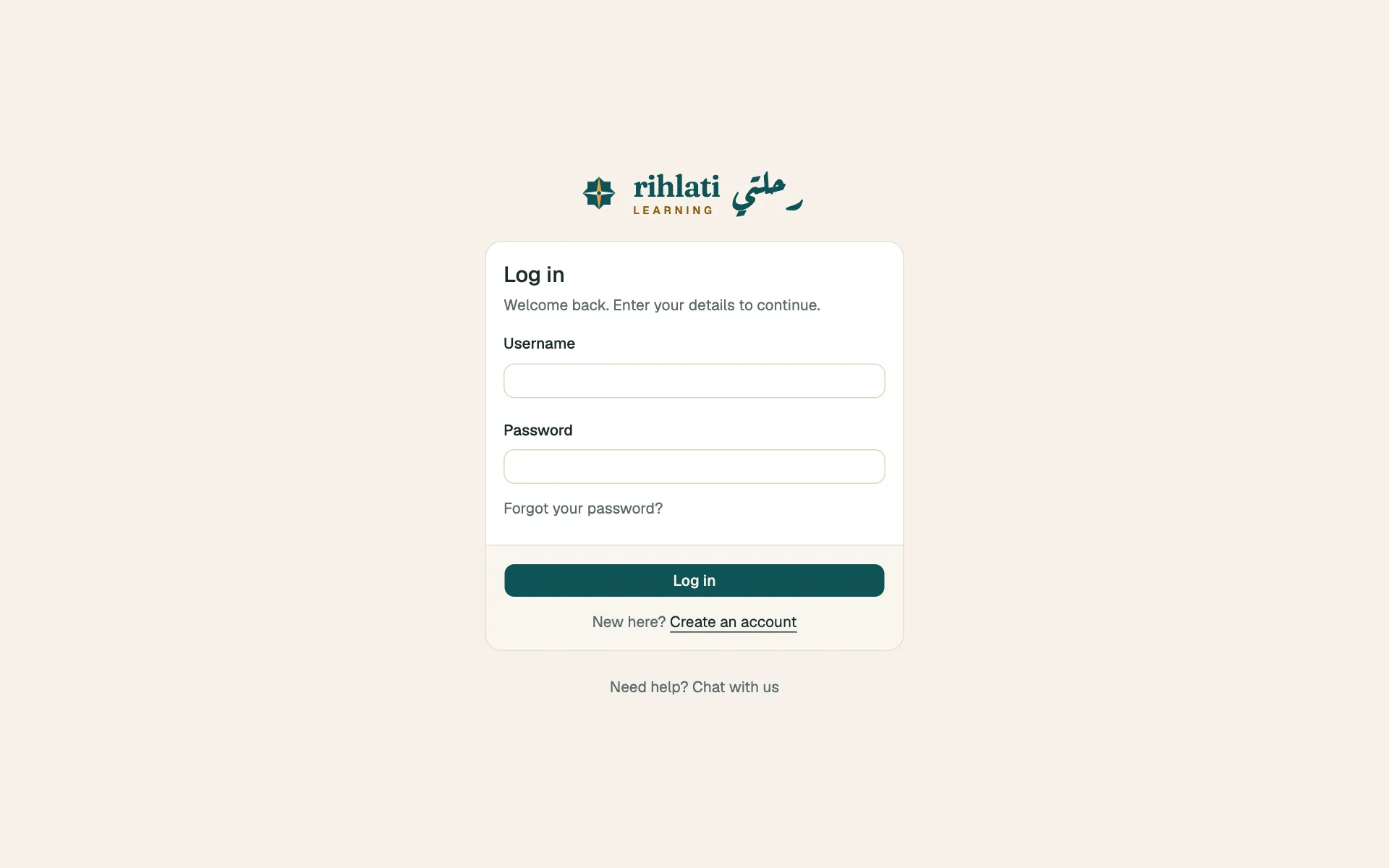
Section titled “Forgotten your password?”On the login page choose Forgotten your password?, enter your email and follow the link we send. It’s valid for a limited time.
“Your account is suspended” or “paused”
Section titled ““Your account is suspended” or “paused””Your institution (or Rihlati) has paused access. Contact your institution — they can restore it.